
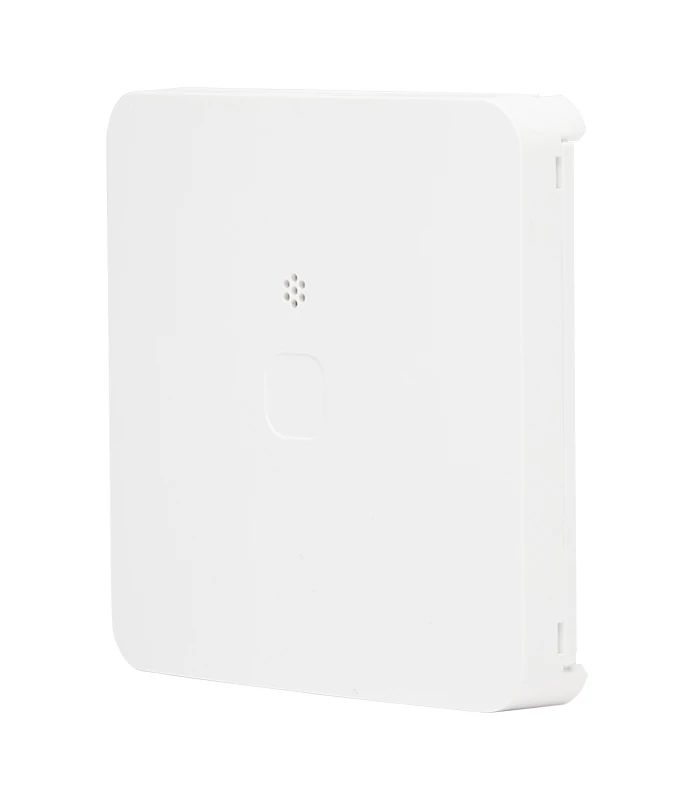
PowerG + Water Tile with Freeze Detection PGPx986 (PGP9986, PGP8986)
Supplier item link
A direct supplier item link has not been confirmed for this entry. A general supplier website is not an item link.
Troubleshooting – step by step
Water · PowerG+ · Wireless link to panel
PowerG alone does not establish compatibility with your PM10 or IQ Panel. Check the exact model, frequency, panel and software.
PowerG+ is listed separately from PG2. Do not select this as a verified PM10 replacement.
Guides and documents
- Brochure English - PowerG + Water Tile with Freeze Detection Brochure
- Spec Sheet English - PowerG + Water Tile with Freeze Detection Spec Sheet
- Installation Guide English - PowerG + Water Tile with Freeze Detection Installation Guide
A Norwegian step-by-step customer guide and dedicated troubleshooting video are not yet documented for this model. Use the model manual for opening and battery type.
Supply chain and compatibility
Help when the product does not work
Wireless sensor: Read battery and connection state in the system. For low battery, use the model battery guide and check the battery type and whether it is replaceable. Note new metal objects or other changes near the sensor.
Choose the symptom and check the model scope before following the steps. This is troubleshooting, not a list of confirmed product defects.
General advice — model-specific fault procedure missing.
Water detector: persistent leak alert or no alert
Applies to: General advice for the sensor type — not a verified procedure for this model. Use the model manual for opening, battery type, testing and settings.
- First check for an actual leak. Stop the water if safe and keep away from wet electrical equipment.
- After addressing the leak, check whether the probe/contacts remain wet, dirty or displaced.
- Follow model instructions for cleaning and drying. Do not immerse the sensor. Arrange the manufacturer test and check that alarm and restoration reach the receiver.
Check the result: The system registers the test and return to dry/normal state.
Stop and get help: For repeated alerts on a dry surface or a failed test, contact support. Do not move the probe away from the leak area just to clear the alert.
Background source / example model (not model verification): support.ajax.systems — open documentation