
Bevegelsessensor
Supplier item link
A direct supplier item link has not been confirmed for this entry. A general supplier website is not an item link.
Troubleshooting – step by step
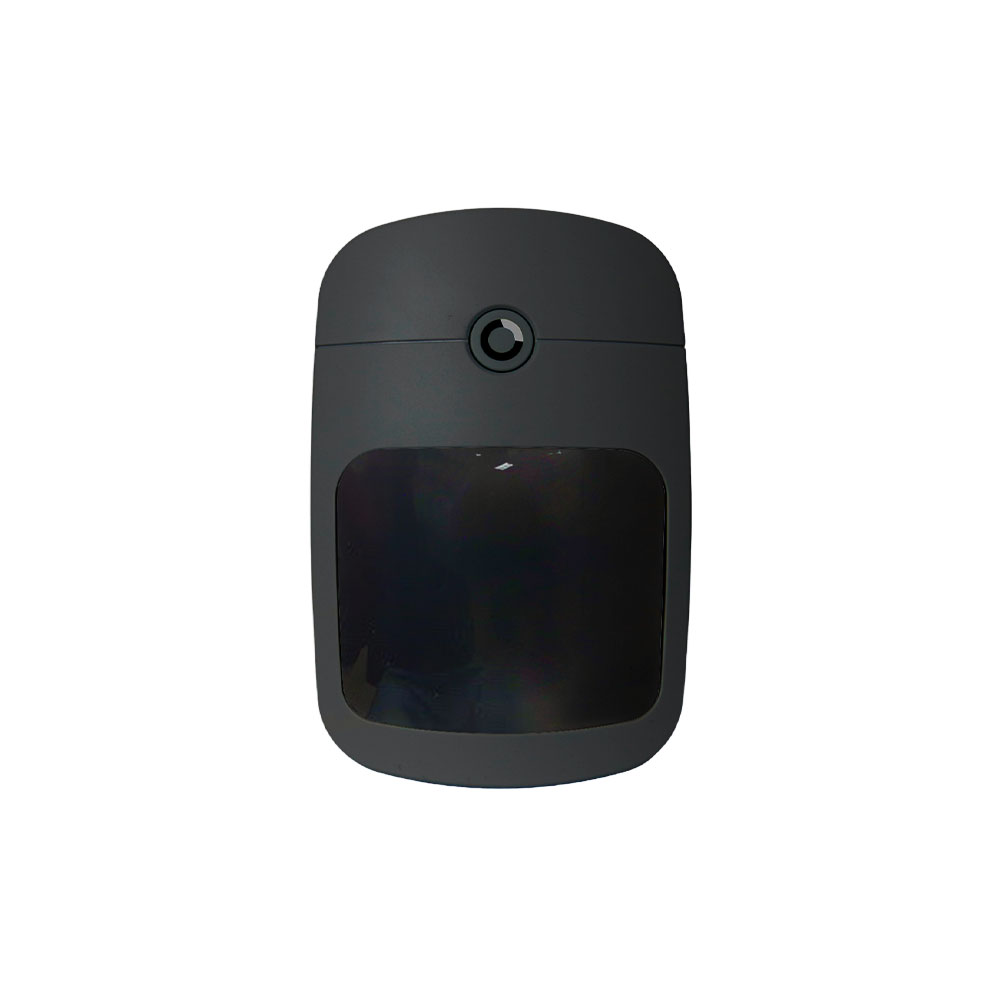
VESTA-177-BLACK
Purchase price: 384,64 NOK excl. VAT
Norexa · 08.09.2026. Access, shipping and assembly are not included. Prices are not automatically updated.
Vesta trådløs PIR detektor
Registers motion in the area of sensor cover.
Wireless
Communicate wirelessly with the alarm system, documented in product name or model Vesta manual. Power supply and battery replacement must be checked separately.
Documentation and gaps
No article is marked as complete documented. “Fews” means that a confirmed link is not found in the library, not that the document necessarily does not exist. The overview assesses registered sources; it is not a new check that all external links work.
- User guide
Mangler i biblioteket.
- Original product documentation
Mangler bekreftet kobling.
- Installation guide
Separate installation instructions or assembly sections have not been confirmed.
- Data sheet
Mangler verifisert databladkobling.
- Product image
Product image tilgjengelig.
- Climax / produsent
The manufacturer’s product/model page is not associated.
- Vesta
Mangler bekreftet produktlenke.
- By Demes
Bekreftet produktlenke tilknyttet.
- Norexa
Article and purchase price can be found in the catalogue extract. Product link and supplier manual are not associated.
Help when the product does not work
Wireless sensor: Read battery and connection state in the system. For low battery, use the model battery guide and check the battery type and whether it is replaceable. Note new metal objects or other changes near the sensor.
Choose the symptom and check the model scope before following the steps. This is troubleshooting, not a list of confirmed product defects.
General advice — model-specific fault procedure missing.
Motion detector: unexpected alarm or no response
Applies to: General advice for the sensor type — not a verified procedure for this model. Use the model manual for opening, battery type, testing and settings.
- Check which detector and event are named in the alarm. Record the time and whether the system was armed.
- Look for furniture, curtains or objects blocking its view. Note changes involving heaters, sunlight, draughts or pets in the area.
- Do not rely on the LED alone as a functional test. Arrange a walk test with the monitoring service using the model test procedure; some detectors have a sleep period.
Check the result: An agreed test is registered from the correct detector.
Stop and get help: For repeated alarms or missed detection, contact the installer. Do not change sensitivity or position without checking coverage.
Background source / example model (not model verification): support.ajax.systems — open documentation