
Vesta Advanced: no image or offline camera
For cameras/NVRs in the VESTA Advanced app. These are initial checks, not a confirmed diagnosis.
For customers
Follow these steps
Check whether all cameras are missing or only one channel. Note the device name and error text.
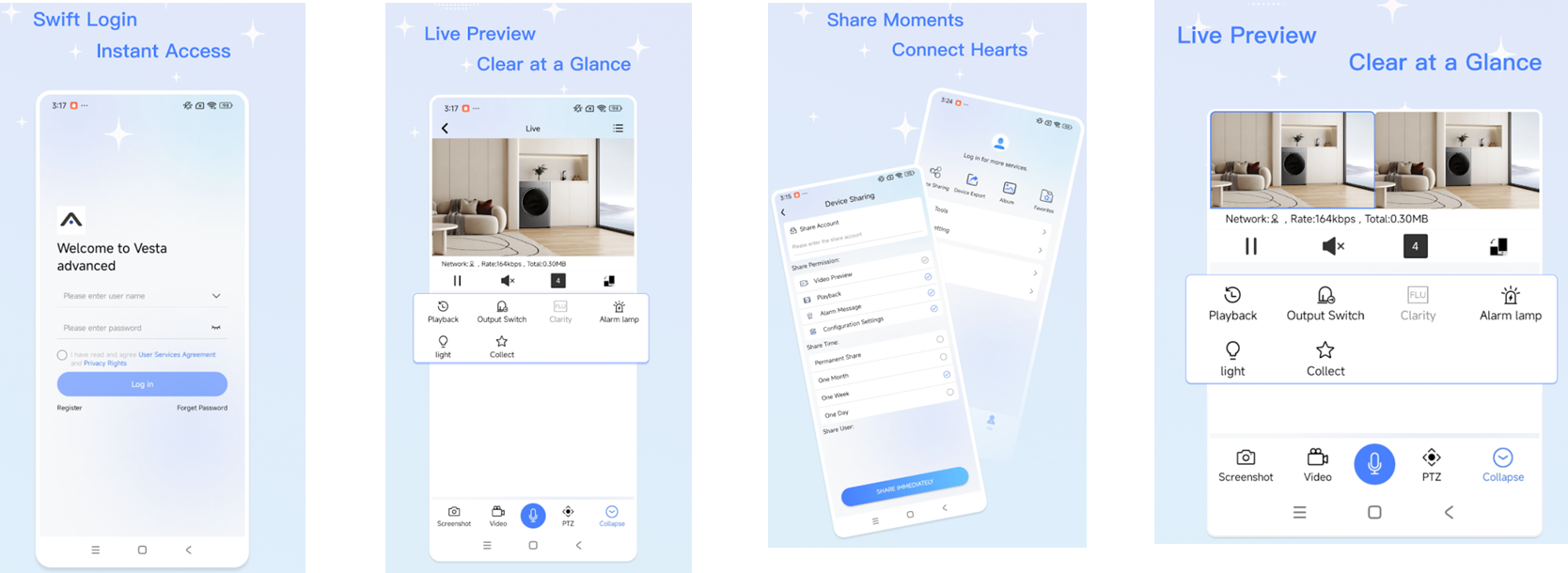
Original illustration from the source below. Menus and appearance may vary by version. Select to enlarge. · Source Check that the phone has internet access. Then try another available connection, such as mobile data, and compare.
Image status for this step
A dedicated image of this step has not been verified.
Check visible power and network status at the camera/recorder without opening it. If the recorder has a local picture, tell the installer.
Image status for this step
A dedicated image of this step has not been verified.
Open the same camera again in the app. Use the app video if you are unsure how to select the camera or channel.
Image status for this step
A dedicated image of this step has not been verified.
What you should be able to confirm
Live video updates and the correct channel is selected.
After service, confirm the result with the user and notify the system manager/monitoring station as agreed. One working function does not mean the whole case is resolved.
Watch the relevant procedure
Still not resolved?
If local video works but the app does not, the installer must check remote connectivity and access. No dedicated official error video was found for this message; the app video demonstrates operation.
Prepare a support summary