
Vesta Advanced: IVS does not produce the expected events
For cameras supporting the selected IVS rule. Configuration should be performed by the system manager or installer.
For staff / installer
Follow these steps
Identify the camera and rule: intrusion, tripwire or cross-region. Confirm the model supports it.
Image status for this step
A dedicated image of this step has not been verified.
Open the specific IVS video below. Compare the configured area or line with what should be detected.
Image status for this step
A dedicated image of this step has not been verified.
Review rule activation and recording setup as shown in the video. Change only the agreed rule.
Image status for this step
A dedicated image of this step has not been verified.
Perform an agreed test in the specified area. Check event registration first, then recording and finally the phone notification.
Image status for this step
A dedicated image of this step has not been verified.
What you should be able to confirm
The test produces the correct event and agreed playback or notification.
After service, confirm the result with the user and notify the system manager/monitoring station as agreed. One working function does not mean the whole case is resolved.
Images and original drawings
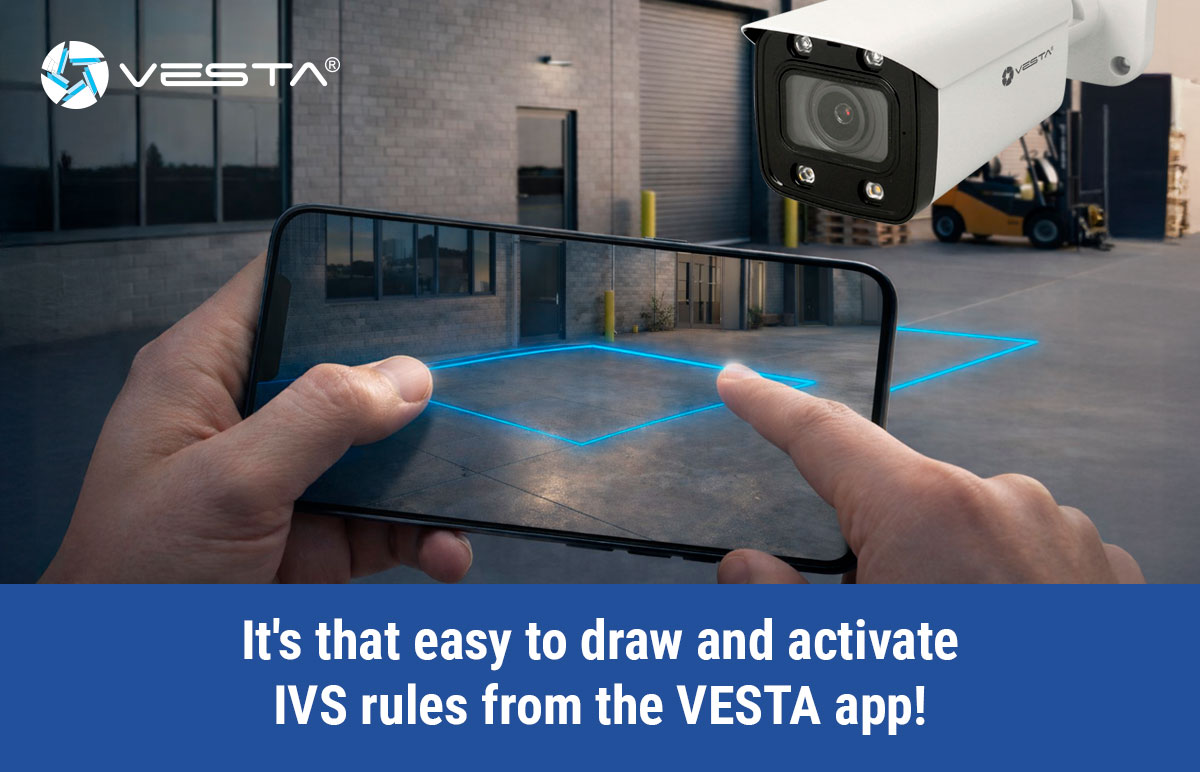
Watch the relevant procedure
Still not resolved?
Do not use siren status as proof that phone notifications are enabled. Vesta documents that in version 2.5.0 the padlock controls lights/siren; notification synchronisation was not included.
Prepare a support summary