
Vesta Advanced: image settings and new features
Based on Vesta’s description of 2.5.0 dated 25 June 2026. This is a documented version, not a claim about the latest app release.
For customers
Follow these steps
For slow recording searches, use the playback timeline. Vesta describes faster searching in 2.5.0.
Image status for this step
A dedicated image of this step has not been verified.
For poor image quality, check lighting before changing WDR, SMART IR, day/night or image flip. Note the original value and change one setting at a time.
Image status for this step
A dedicated image of this step has not been verified.
If WideSeek is missing, check the camera model. The documented introduction covers IPC-T/B38-A180-AS-PV; support is not confirmed for every camera.
Image status for this step
A dedicated image of this step has not been verified.
Do not use SD formatting as routine troubleshooting. It deletes recordings and belongs to planned maintenance.
Image status for this step
A dedicated image of this step has not been verified.
What you should be able to confirm
You have established whether the feature is supported and can compare the result with the previous setting.
After service, confirm the result with the user and notify the system manager/monitoring station as agreed. One working function does not mean the whole case is resolved.
Images and original drawings
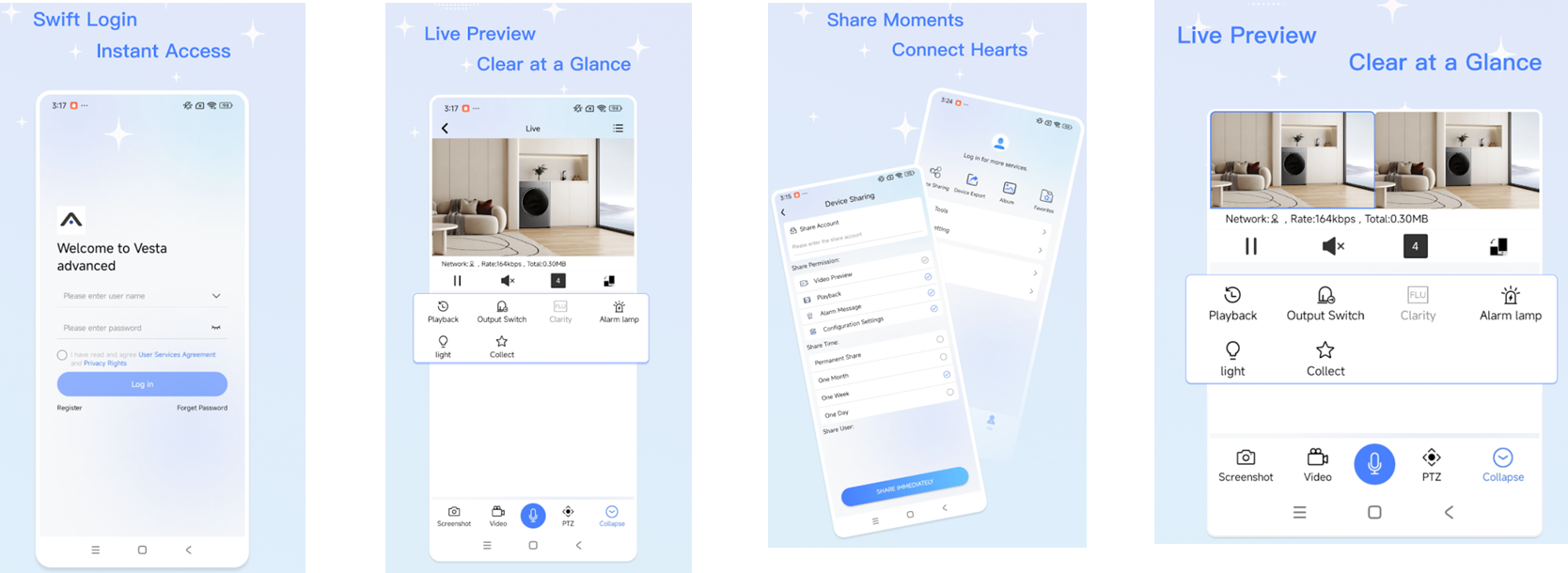
Watch the relevant procedure
Still not resolved?
Exact menu locations for every phone and app version are not documented here. Give support the app version and camera model if your interface differs.
Prepare a support summary