
Danabridge V3
Supplier item link
A direct supplier item link has not been confirmed for this entry. A general supplier website is not an item link.
Troubleshooting – step by step
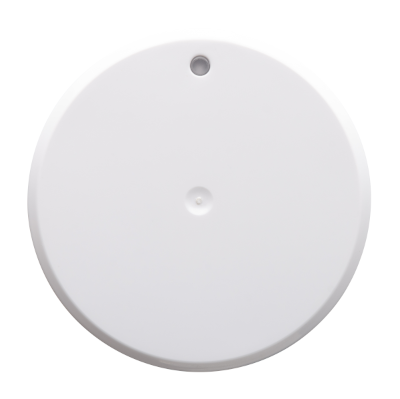
Danabridge provides internet remote access to a compatible paired Danalock.
- Check that Danabridge has power and internet works.
- Use 2.4 GHz Wi-Fi. 5 GHz is unsupported. Ensure stable Wi-Fi coverage at its location.
- Follow the manufacturer app guide for Wi-Fi and pairing. Then test remote control over mobile data.
Help when the product does not work
Choose the symptom and check the model scope before following the steps. This is troubleshooting, not a list of confirmed product defects.
Lock works at the door but not over the internet
Applies to: Danabridge V3
- Check that Danabridge has power and the building internet works.
- Confirm that Danabridge uses 2.4 GHz Wi-Fi. 5 GHz is not supported.
- Use the manufacturer app guide to check pairing with a compatible lock and Wi-Fi coverage. Test remote control over mobile data with backup access available.
Check the result: The lock responds locally and during an agreed remote test.
Stop and get help: Contact support before deleting pairing or resetting the lock.
Sources: support.saltosystems.com — open documentation support.saltosystems.com — open documentation support.saltosystems.com — open documentation