
Climax Mobile Lite R35-C
Supplier item link
A direct supplier item link has not been confirmed for this entry. A general supplier website is not an item link.
Troubleshooting – step by step
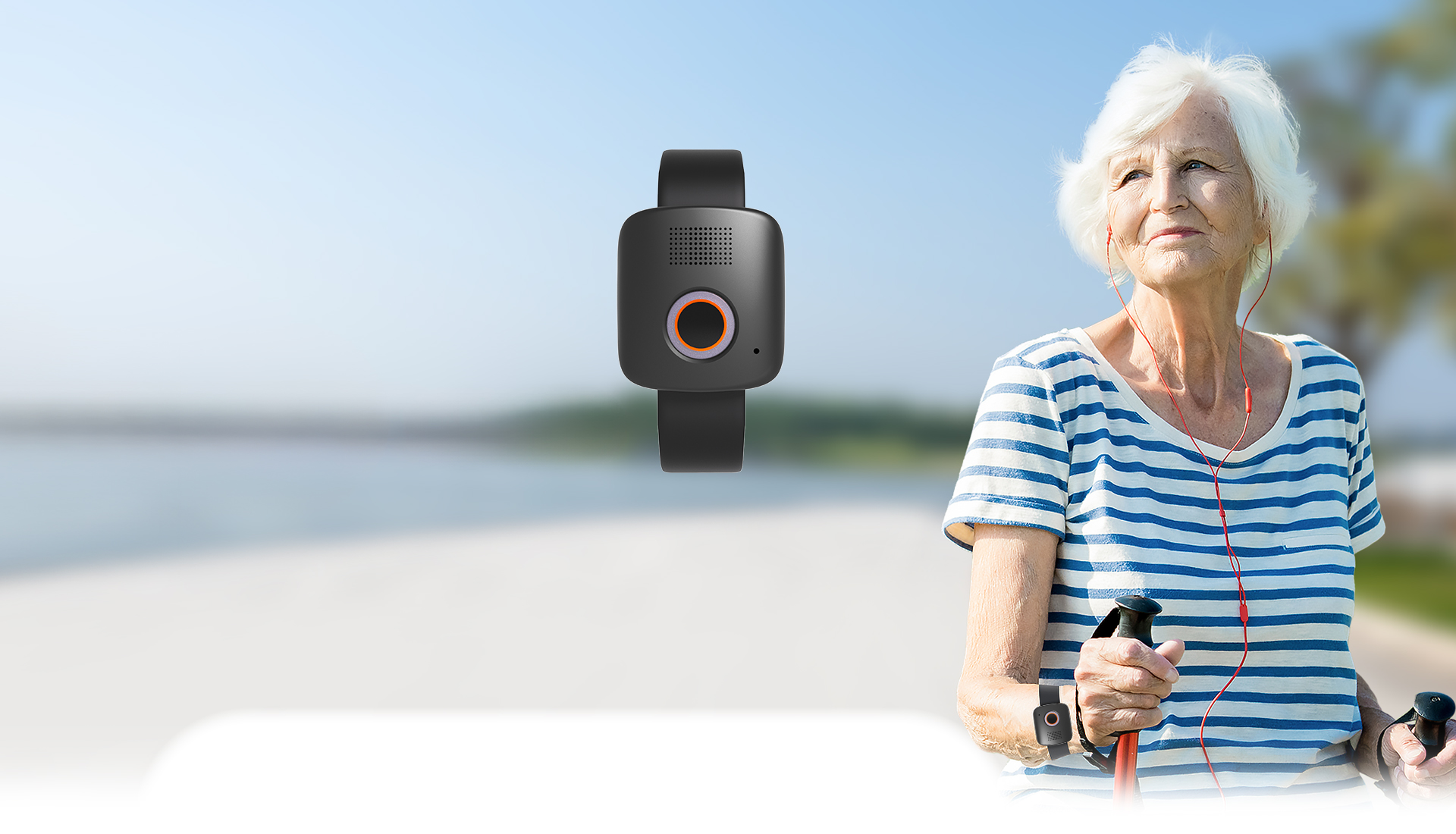
4G/LTE alarm with an alarm button, two-way speech and GPS/Wi-Fi positioning. Used with a configured receiving service.
Model facts
Wrist or lanyard; portable charging cradle. Climax lists fall detection and optional geofencing. The current product page lists IPX7 and 1.75 days normal mode / 2.5 days sleep mode.
39 × 36 × 12.8 mm · 3.8 V / 160 mAh
R35-C: The older 2025 Telecare brochure limits fall detection to necklace use. The newer page does not specify wearing style. Confirm support for the delivered version and wearing style; do not promise automatic wrist fall alarms. Older battery figures and IP ratings also differ. Older brochure — comparison source
Change wearing style
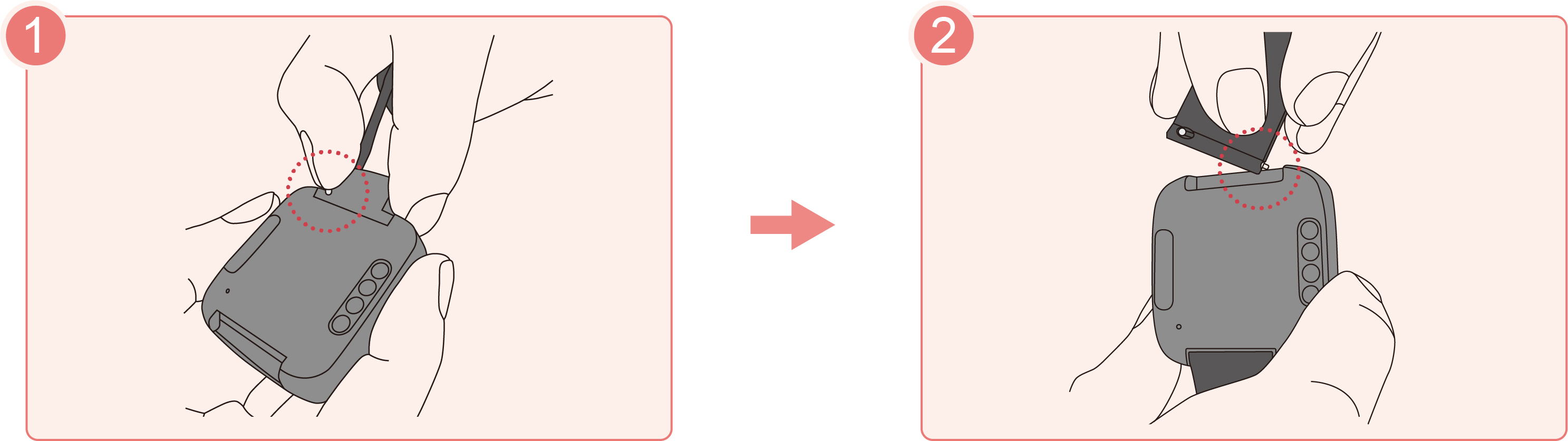
Charging
Daily use — before leaving
- Wear it as demonstrated during training. Keep the button accessible.
- Check charge and availability of the agreed receiver. Use a test alarm according to your agreed routine.
- When help is needed, use the alarm button as demonstrated by the installer. State who and where you are when the call connects.
- For an accidental alarm, tell the receiver it was accidental. Do not assume it has been cancelled.
What is missing before complete customer training
A public operating manual specifying exact press duration, indicators, cancellation and startup was not found. Document these for the delivered configuration. The battery is rechargeable; user replacement or opening is not documented. Contact service for battery faults.
Get help when the alarm does not work · Workplace routine
Original sources and downloads
Help when the product does not work
Choose the symptom and check the model scope before following the steps. This is troubleshooting, not a list of confirmed product defects.
No additional model-specific fault procedure found in this review. We have not found and checked a dedicated fault procedure for this item in this review. Use the original documentation on this page. Record the model, error, time and what still works before contacting support.
Sources reviewed 9 September 2026. Not tested on your installation.